Accelerated AI Workflow
Make complex changes in moments rather than working through hours of manual edits. Move from one idea to the next while your creative direction is fresh.
Transform your photos with a simple text prompt.

Professional, text-guided image transformations designed to keep your original picture consistent.
Make complex changes in moments rather than working through hours of manual edits. Move from one idea to the next while your creative direction is fresh.
Use your photo as the blueprint for each change. Preserve familiar details as you explore polished, high-impact variations from a few words.
Explain an edit in everyday language. A straightforward prompt lets you direct a transformation without mastering a complicated editing interface.
Your images deserve thoughtful handling. Choose what to share and review the destination’s privacy information before uploading sensitive photos.
Explore portraits, visual restyling, background changes, and photo enhancement in one flexible image-to-image workflow.
Change the setting without losing the subject. Keep important facial features, textures, and proportions in view as you refine your result.
 Original photo
 Festive restyle
Take a photo from its starting point to a new look in three simple steps.
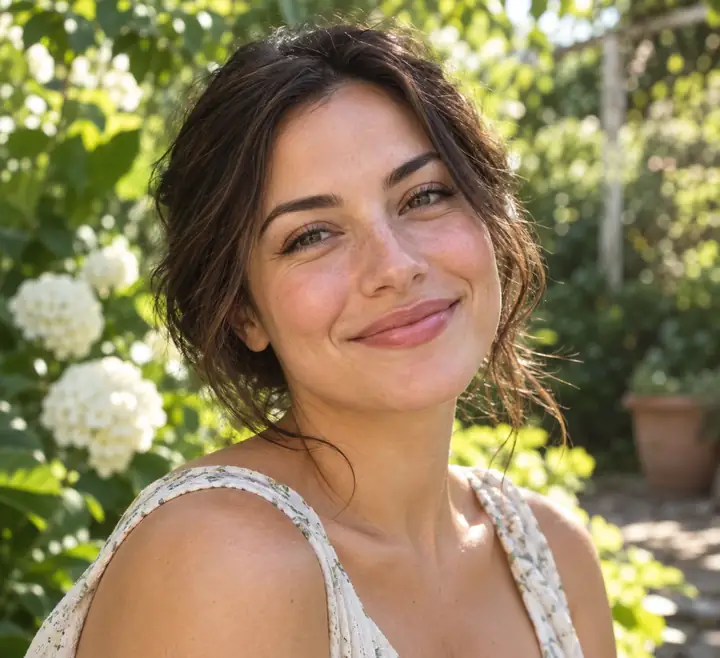
Begin with a reference photo you want to transform. A clear JPG, PNG, or WebP gives your idea a strong starting point.
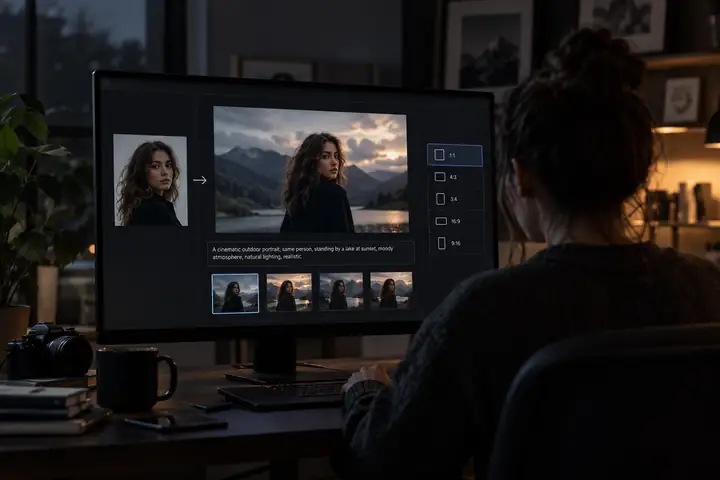
Write plainly about what should change. Ask for a watercolor finish, a cleaner background, or an entirely different setting while naming what should stay the same.
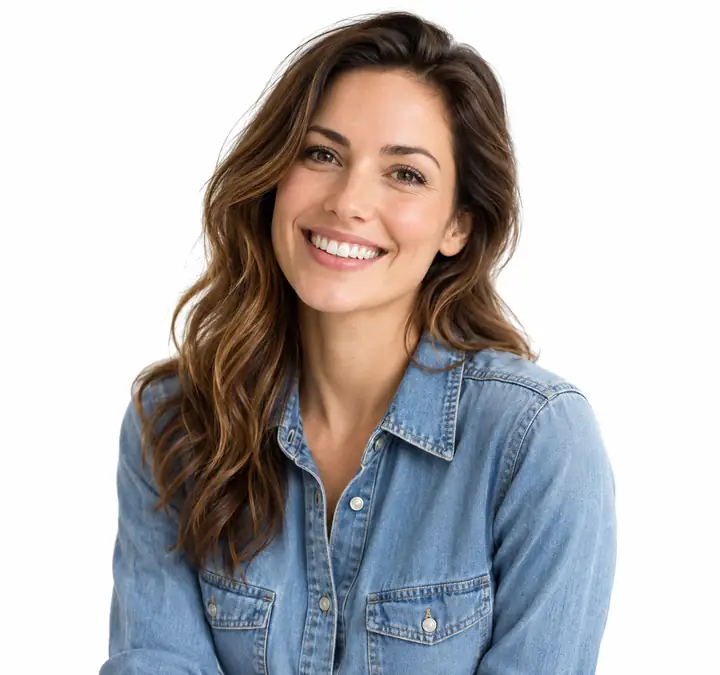
Review the transformed picture, refine your instructions if needed, and save the version that works for your project.
Compare source pictures with the new possibilities an image transformation can create.

 Original PhotoEdited Image‹ ›
Change an accessory, garment, or other detail with a simple instruction while keeping the rest of the scene familiar.

 Original PhotoRestyled Artwork‹ ›
Give a photograph the character of a painting, digital illustration, or animated scene without abandoning its composition.

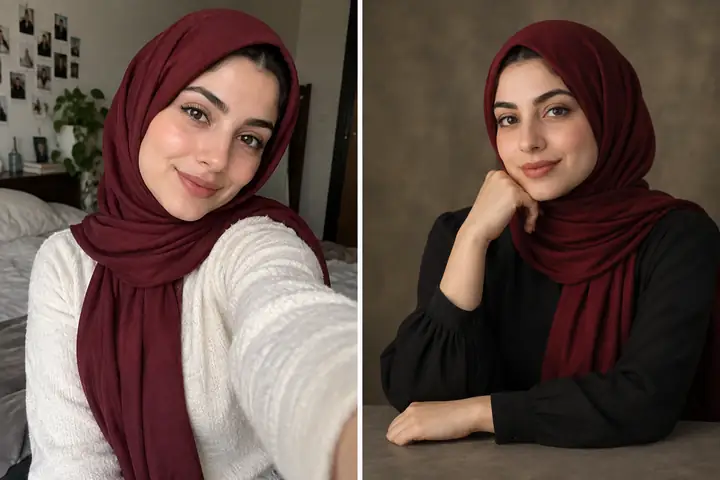
 Casual SelfieStudio Headshot‹ ›
Explore a clean portrait look with considered lighting and a simple setting for profiles and professional projects.
Original SceneClean Edit‹ ›
Simplify a busy image by removing an unwanted backdrop or distraction and keeping attention on the subject.

 Old PhotoEnhanced‹ ›
Bring cherished photographs back into focus by improving clarity, lighting, and details worn down over time.

 Original CanvasExtended Scene‹ ›
Make room around your subject by extending a picture beyond its original edges with a matching scene.
Flexible image-to-image possibilities for creators, teams, and everyday photo projects.
Modern image models consider the context, light, and composition of a source picture rather than applying a simple filter. That makes it possible to keep the feeling of your original while exploring an entirely new aesthetic.
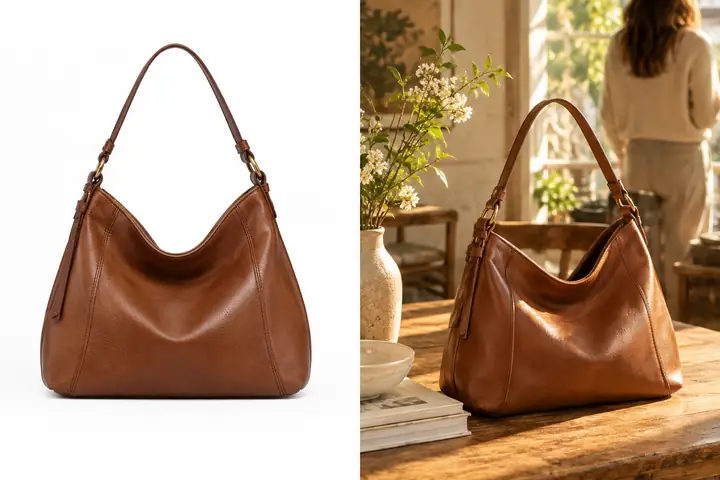
Move from an uploaded photo to a new visual direction without rebuilding a scene by hand. Whether you are exploring a concept or preparing product variations, clear instructions help you iterate efficiently.
A useful creative process should let ideas keep moving. Start with a clear picture, explain the change you need, and refine the outcome until it fits your purpose—without a lengthy manual editing routine.
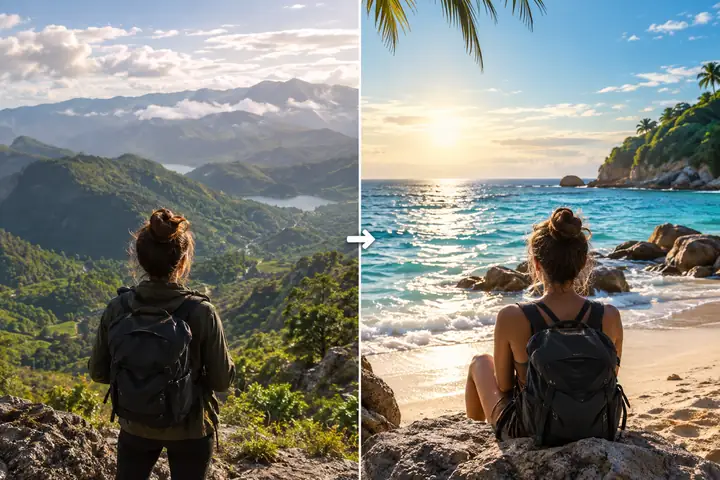
Ways people can put an image-to-image workflow to work.
“For character concepts, starting from a rough sketch makes it easier to explore clothing, color, and setting. I can compare several directions before committing to a finished piece.”
Emma C.
Concept artist
“One product photo can become the starting point for many lifestyle scene ideas. It helps our team discuss composition before arranging a full shoot.”
Anya R.
Product photographer
“Trying different atmospheres on an existing sketch is a practical way to find the right mood for a game environment before building out the scene.”
Marcus J.
Independent game developer
Helpful answers before you transform your first picture.
Start with a photo and a clear idea. Explore a new scene, style, or portrait look with an ai image to image workflow.
Try Ai Image To Image Now